
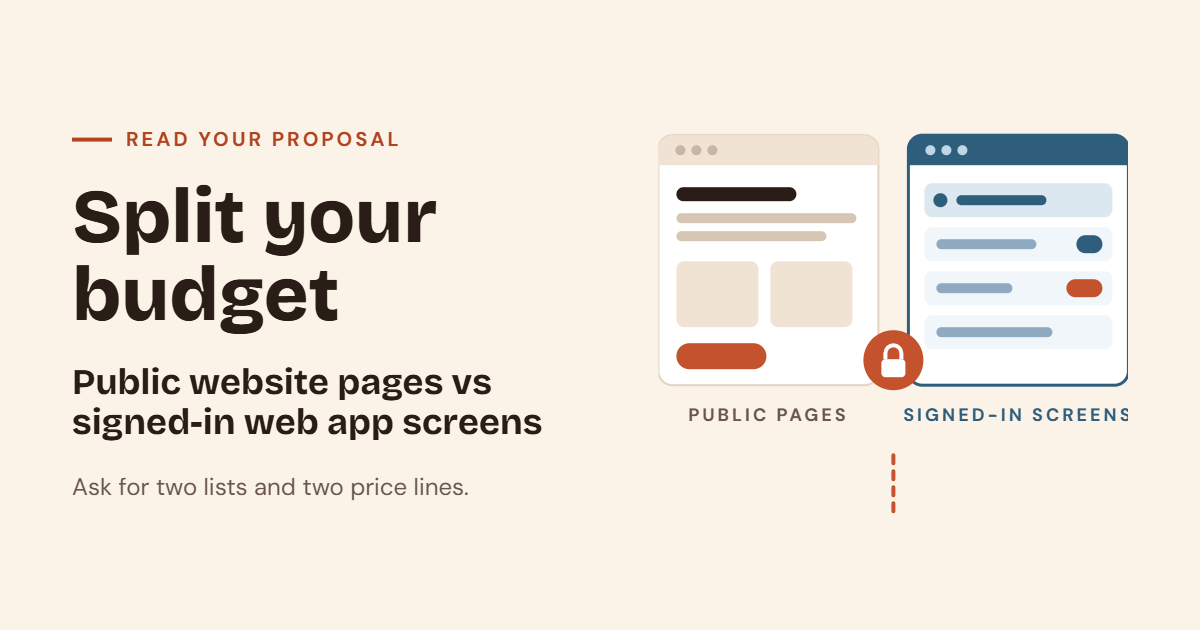
Ask for two lists in every proposal: pages a stranger can open, and screens a signed-in person can use. Mixing them into one “platform” price hides the real first release.
Many business owners ask for “a website with a login” or “a platform.” It sounds like one project. But it is really two different jobs with two different costs. When a quote mixes them, you cannot see what you are paying for, and it is hard to say what can wait. This guide explains the difference in plain words and shows you how to split your budget.
What is the difference between a website and a web application
Both live on the internet, and both open in a browser. But they do different jobs.
A website publishes information. Anyone can open it without an account. Visitors read about your business, look at your services and send a message or make a call. The main goal is to help strangers find you and believe you.
A web application is software that people sign in to, to do work. It has its own users, roles and data. A manager may see everything, while a worker sees only their own tasks. The main goal is to help your team finish work faster, with fewer mistakes.
Here is a simple way to remember it. If a stranger can open it, it is a website page. If you must sign in to use it, it is a web app screen.
| Public website pages | Signed-in web app screens | |
|---|---|---|
| Who uses it | Anyone, including strangers | Staff or customers with an account |
| Main goal | Be found and be believed | Get work done |
| Typical action | Call, form or visit | Add, update and track records |
| Data | Mostly fixed content | Changing data that people edit |
| Needs a login | No | Yes |
Why mixing them into one price hides the real first release
When a proposal says “platform, one price,” you lose three things.
- You cannot compare quotes. One company may include ten public pages and one small tool. Another may include a full workflow system. The numbers look similar, but the work is very different.
- You cannot decide what comes first. If the price is one block, you cannot say “do the website now and the app later.”
- You cannot see where the money goes. A cheap-looking quote may cover only the public pages, and the app may be a hidden extra.
Splitting the budget gives you control. You can start with the part that matters most, and you can add the rest when you are ready.
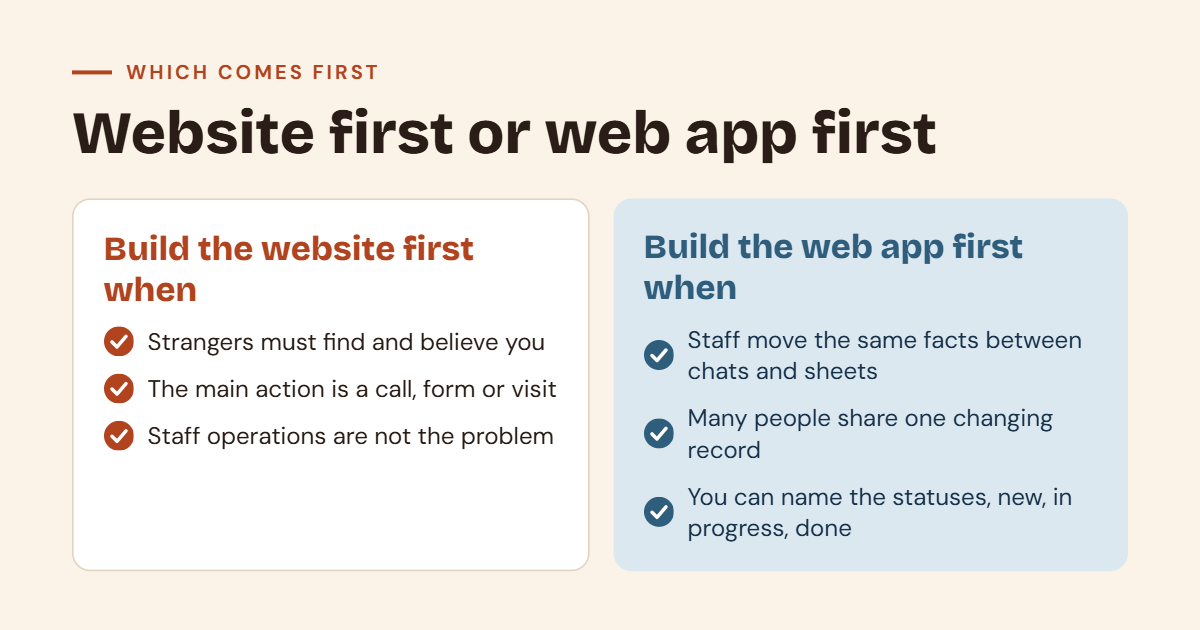
Build the website first when
A website is the right first step in some cases. Look at these signs.
Strangers need to find you and believe you
If people do not know you yet, they will search for you, open your site and decide if you look trustworthy. A clear, fast and honest website helps them decide. Without it, you may lose people before they ever talk to you.
The main action is a call, form or visit
If most of your business starts with a phone call, a contact form or a shop visit, the website’s job is simple. It should make those actions easy. You do not need a login for that.
Staff already run operations in a tool that is not the problem
Maybe your team already uses a spreadsheet, an accounting tool or an old system, and it works well enough. If operations are not the pain, a web app is not urgent. Spend your money on the part that brings new customers.
If this sounds like you, our web development team can help plan a focused site.
Build the web application first when
In other cases, the app should come first.
Staff lose time moving the same facts between chats and sheets
Do you copy the same details from a chat to a sheet, and then from the sheet to an invoice? Each copy takes time, and each copy can go wrong. A web app can hold the facts in one place, so people enter them once.
More than one person must see a changing shared record
When two or more people work on the same order, lead or job, they need to see the same record. If each person keeps a separate sheet, they will soon disagree. A shared record with sign-in solves this. You can read more in CRM or spreadsheet for a small sales team.
You can name screens and status changes such as new, in progress and done
This is a strong sign. If you can say “an order starts as new, moves to in progress and ends as done,” you already know the workflow. You can name the screens people need, such as an order list, an order detail page and a daily summary. That clear picture makes a web app much easier to build well.
How to read a proposal
When a software company sends a proposal, read it with two lists in mind.
Ask for two lists
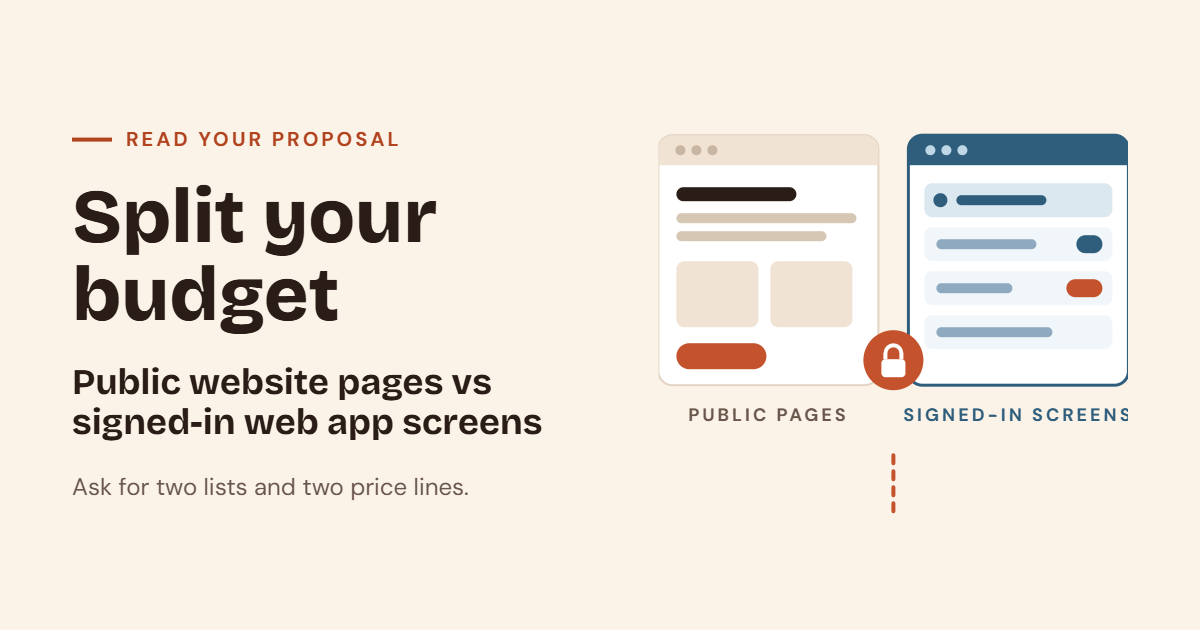
- List one is public pages. These are pages a stranger can open without signing in.
- List two is signed-in screens. These are screens that a user can open only after signing in.
Each list should name the pages or screens, one per line. If a proposal does not list them, ask for them. A good company will not mind.
Ask for two price lines
Ask for one price for the public pages and one price for the signed-in software. This lets you compare quotes fairly. It also lets you ask the useful question, “What if we do only list one first?”
What public pages usually look like
A marketing site often includes a few clear pages. On a JantaraX marketing site, they look like home, services, about, contact and guides. Each page has a clear job. The home page explains who you are. The services page explains what you do. The contact page makes it easy to reach you.
What signed-in software usually has
Signed-in software has its own users, roles and data. It needs to answer questions such as who can sign in, what each role can see, and what happens when a record changes. That extra thinking is why it takes more time and cost.
Why a website is often weeks and a web app is often months
A focused marketing site is often weeks. The content is mostly fixed, the pages are simple and the main actions are clear.
A workflow app is often months. The reason is not only the number of screens. People must try the workflow. Real users find gaps, missing steps and surprises that nobody saw on paper. Each round of testing and fixing takes time.
These are common patterns, not promises. Real time depends on your brief. A very small app may be quicker, and a large website may take longer. Treat any first-email numbers as planning ranges until the brief is specific.
A simple example
Meena runs a small furniture workshop. She wants “a platform” for her business. Let us split her wish into two lists.
Public pages (what strangers can open)
- Home
- Services and products
- About
- Contact
- Guides, such as how to care for wood
Signed-in screens (what her team uses)
- Order list
- Order detail, with status new, in progress and done
- Daily summary for the workshop
Now she can see two jobs. The public pages help new customers find and trust her. The signed-in screens help her team stop losing orders in chats. She can ask for two prices and decide what to start with.
Her workshop gets customers by word of mouth, but her team loses time. So she starts with the order screens. A year later, when orders grow, she adds the public website. Splitting the lists let her choose. If she wants the order screens first, she can look at inventory management software as one way to track stock and orders.
Questions to ask in the first call
These questions help you read the proposal. They also help the company understand you.
- Which pages can a stranger open, and which need a sign-in?
- Who are the signed-in users, and what can each role do?
- Which list can we launch first on its own?
- What is out of the first release?
- Who will own the domain, hosting and code?
To prepare for the call, read what to prepare before a software discovery call. To keep the first release small, read how to scope a first software release.
Website or web app or mobile app
Some people also ask if they need a mobile app. This is a third choice, and it should be a separate line in your proposal too. A mobile app or a progressive web app (PWA) can feel like an app on a phone, but it has its own cost and its own rules. We explain the choice in mobile app or PWA, and you can also see our mobile app development work. For the full comparison of the first two options, read website or web application.
Advantages of splitting your budget
- You can compare quotes fairly. Two lists and two prices make quotes easy to check.
- You can start with what matters most. You do not have to buy everything at once.
- You can say no to extras. If a feature is not on a list, it is not in the price.
- You can plan the next step. The second list becomes your next release.
Limits to keep in mind
Splitting is not always clean. Some parts overlap. A contact form on the website may feed a signed-in lead list. A shop has public product pages and signed-in order screens. When that happens, write the shared part on both lists and say which price it belongs to.
Also, the two lists do not give an exact cost. They give a clear shape, so you and the company can talk about real work instead of one big word. For firm numbers, you still need a specific brief.
Who this is for
This guide is for owners and managers who are about to ask for a quote. It also helps teams who already got a “platform” price and feel unsure about it. If you sell products online, you may be thinking about an e-commerce site, which also has public pages and signed-in order screens. If you need reports on top of your data, our data dashboards are another option for later.
A quick checklist before you accept a quote
- The proposal has a list of public pages.
- The proposal has a list of signed-in screens.
- There are two price lines, not one.
- The roles and users for the app are named.
- What is out of the first release is written down.
- I know which list I will build first.
- I know who owns the domain, hosting and code.
Frequently asked questions
What is the difference between a website and a web application?
A website publishes information that anyone can open. A web application is software that people sign in to, to do work, with their own users, roles and data.
Should I build a website or a web app first?
Build the website first if strangers must find and believe you, and your main action is a call, form or visit. Build the web app first if staff lose time moving the same facts around and many people need a shared record.
Why should a proposal have two price lines?
Two price lines show what you pay for public pages and what you pay for signed-in software. This makes quotes easier to compare and lets you build one part first.
How long does a website take compared to a web app?
A focused marketing site often takes weeks. A workflow app often takes months, because real people must try the workflow. These are common patterns, not promises, so treat early numbers as planning ranges.
What pages does a marketing website usually have?
Common pages are home, services, about, contact and guides. Each page has a clear job.
Can I start with a website and add a web app later?
Yes. Many businesses do this. Splitting the budget makes it easy, because each list can be a separate release.
How can JantaraX help with a website or a web app?
We can plan both lists with you and quote them separately. Contact us to talk about your first release.
Final thoughts
A website and a web application are not the same job. One helps strangers find and trust you. The other helps your team finish work. When you ask for two lists and two price lines, you can see the real first release, compare quotes fairly and build in the right order.
Need help splitting your budget? Talk to JantaraX about your public pages and your signed-in screens.
Written by Er. Jatin Varshney.