
Bring six concrete facts to your first software discovery call: users, workaround, first outcome, exclusions, decision-maker and a real date. Everything else can wait.
A discovery call wastes time when both sides invent the product out loud. One person says “maybe an app”, the other says “maybe a portal”, and an hour later nobody has written anything down. A short brief fixes this. You do not need a technology list or a forty-page requirements document. You need six clear facts, and you can write them in about thirty minutes.
What is a software discovery call
A discovery call is the first real talk between you and a software company. Its goal is simple. Both sides learn enough to decide if they can work together, and what the first version should do.
This call is not a sales pitch, and it is not the time to design screens. Think of it as a short interview about your problem. The better you describe the problem, the better the company can say what it will cost, how long it may take and what could go wrong.
Why a short brief makes the call better
Many people join a discovery call with only an idea. That is fine, but it leaves a lot of guessing. Here is what usually happens without a brief.
- The call runs long. Both sides spend most of the time working out basic facts.
- The product grows in the room. Every good idea gets added, and the scope balloons.
- The quote is vague. The company has to guess, so the price has a wide range.
- Misunderstandings appear later. A feature you thought was included turns out to be extra.
A short brief solves most of this. It keeps the talk on facts, and it gives both sides one page they can check later.
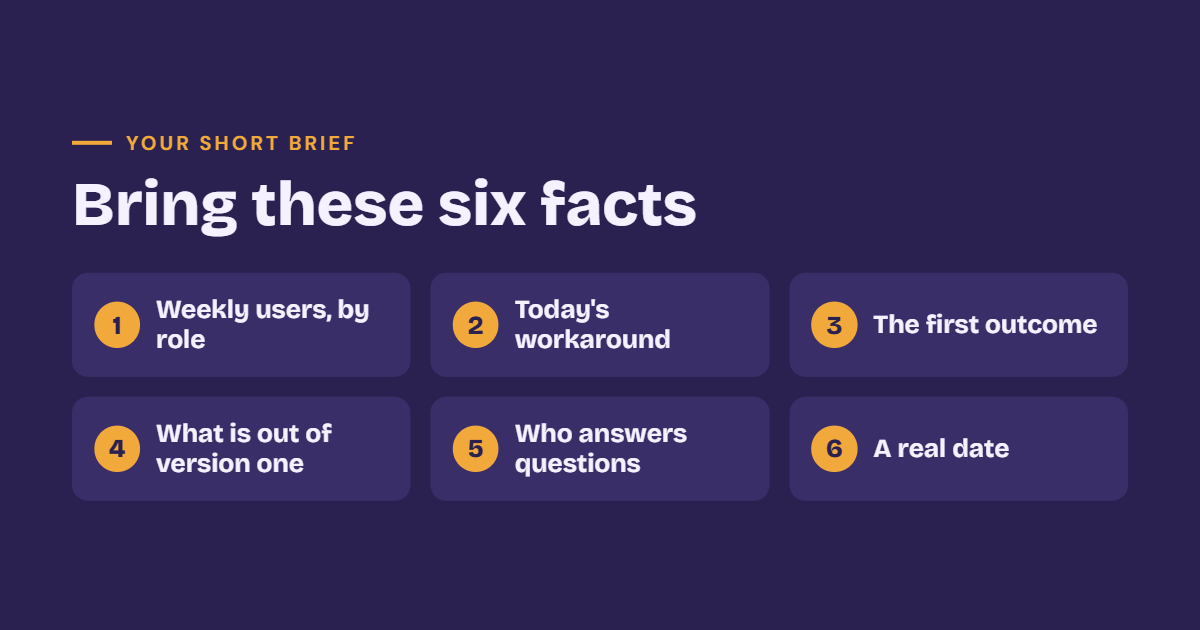
Bring these six facts
Here are the six facts, with a plain example for each. You can write one or two lines for each fact.
Who will use the system every week, by role
Name roles, not “everyone.” A role is a job, such as store manager, dispatcher, teacher or accountant. Say how many people hold each role if you know.
Why it matters: the people who open the software every week decide if it succeeds. If you do not know who they are, it is hard to design anything useful. Start with one main role for version one. Other roles can come later.
Example. “The store manager and two sales staff open it every day. The owner checks it every Monday.”
What they do today, and where it breaks
Software replaces something. It might be a spreadsheet, a notebook, a chat group, a paper form or an old tool. Write what people do now and where it goes wrong. Be honest. A real pain is more useful than a polished story.
Why it matters: the way people work today is the best guide to what the new tool must do. It also helps the company find what data you already have.
Example. “We keep orders in a spreadsheet. Two people edit it at once, and we lose changes. Late orders are found by phone calls.”
The one outcome the first version must produce
Write one sentence that describes a result, not a list of features. A good outcome can be checked on any normal day.
A weak outcome is “a modern order platform.” A strong outcome is “every morning the manager sees one list of orders due today, built from real data.” The second can be tested. Either the list is there and correct, or it is not.
Keep it to one outcome. If you have three, you have three projects. Put the others in a later version.
What is out of version one
This is your exclusion list. It says what the first version will not do. Items might be online payments, a customer app, a second language or advanced reports.
Why it matters: exclusions protect your budget and your timeline. They stop the project from growing a little every week. An item on the list is not rejected forever. It simply waits for a later version. If you want to learn more about this idea, read how to scope a first software release.
Who will answer questions during the build
A software project needs quick answers. What should this button do? Which data is correct? Is this report right? If nobody can answer, the work stops.
Name one person who will answer questions, and one backup. Also say who has the final say when opinions differ. This is the decision-maker. If the decision-maker is not on the discovery call, say so and tell the company when they can meet.
Any date that is real
A real date has a reason. A shop opening, a tax filing, a trade show or a contract renewal are real dates. “As soon as possible” is not a date.
Why it matters: a real date helps the company judge what fits. If the date is fixed, the scope must shrink to fit it. If the date is flexible, say so. Both answers help.
Example. “The new shop opens on the first of March. We need billing to work by then.”
What you can leave blank
Many people worry that they must know technical terms. You do not. You can leave these blank on day one.
- The technology stack. You do not need to choose React, Next.js or a database. A good team will suggest the right tools after they understand your goal.
- Screen designs. Rough ideas are fine. Final designs can come later.
- A long feature list. One outcome is enough to start.
You do need to say two things. First, where the product will be used. Will people use it on a phone in a shop, on a laptop in an office, or both? This changes the whole plan. Second, if a website already exists, who owns the domain? If you do not know, find out before the call. The domain is your web address, and losing control of it can be a serious problem.
A simple sample brief
Here is a short example you can copy. It uses a small spare-parts shop.
- Users. Two counter staff every day, and the owner every Monday.
- Workaround. A paper notebook for stock. Counts are often wrong, and reorders are late.
- First outcome. Every Monday the owner sees a reorder list built from real stock numbers.
- Out of version one. An online store, billing and barcode scanners.
- Questions. The owner answers questions, and the senior counter staff is the backup.
- Real date. The shop opens a second counter on the first of March.
- Extra. Used on a laptop at the counter. The domain is held by the owner’s cousin, and we need to move it.
That is under 150 words, and it is enough to start a good call.
How we use your brief
At JantaraX we check proposals against those six lines. If a later quote adds a mobile app you excluded, both sides can see it. There is no argument, because the brief is clear.
If you do not have a brief yet, use the project brief tool to draft the page. After the call, read what a discovery week should produce so you know what to expect next.
How to run the call well
A few small habits make the call more useful.
- Share the brief early. Send it a day before, so the company can prepare.
- Say what is fixed and what is flexible. For example, “The date is fixed, but the features can change.”
- Ask for notes. After the call, ask the company to send what they heard in writing. Check that it matches your brief.
- Do not decide on the call. Take the notes, read them once and decide the next day.
Red flags to watch in the call
A discovery call also tells you about the company. Watch for these warning signs.
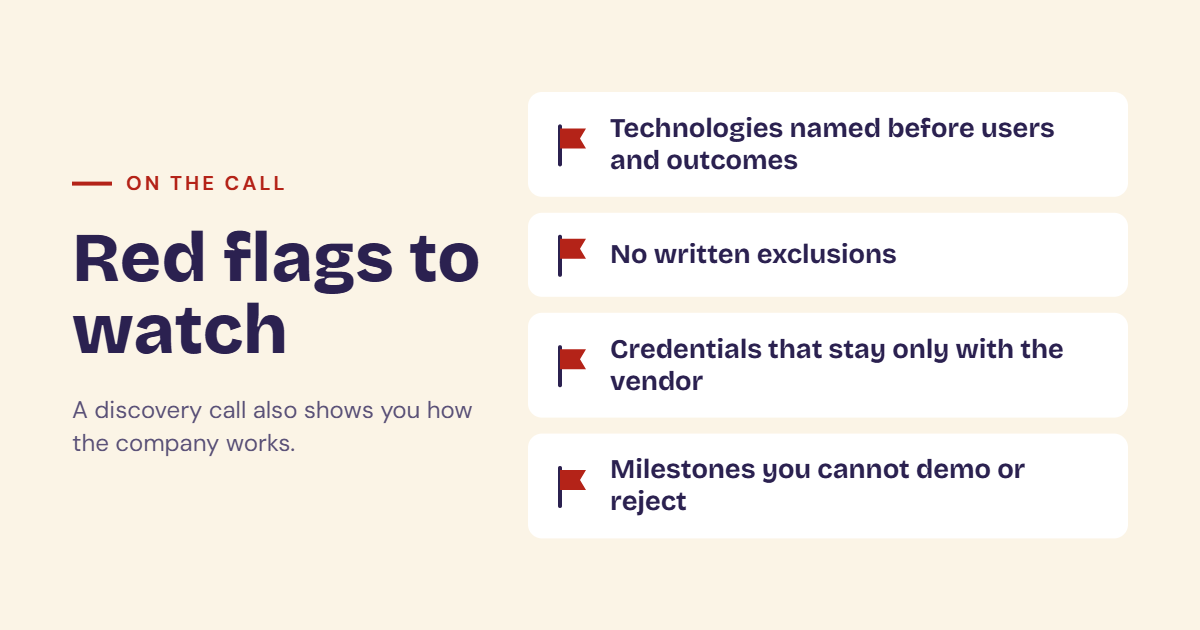
- Technologies listed before users and outcomes. If they talk about tools first, they may be selling what they know, not what you need.
- No written exclusions. Without a list of what is out, the scope can grow without limit, and so can the price.
- Credentials that stay only with the vendor. Your domain, hosting and source code should be accessible to your company.
- Milestones you cannot demo or reject. A milestone such as “backend 60% done” cannot be checked. A good milestone is one you can see and test.
None of these means the company is bad, but each one is worth asking about. For a longer list, read red flags when hiring a software company.