
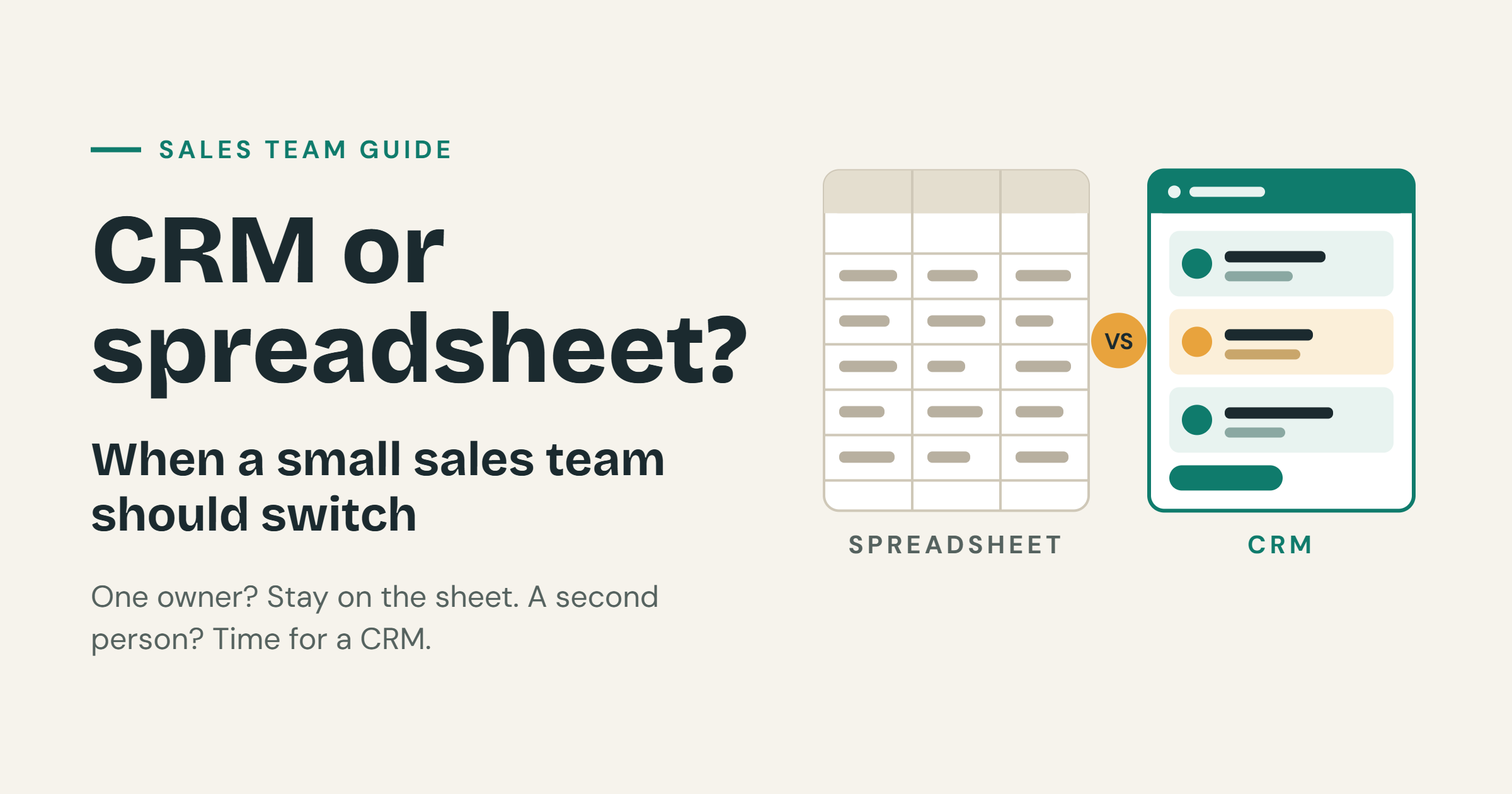
A spreadsheet is enough for one owner who updates it the same day. A CRM starts to earn its place when a second person must trust the same record.
Small teams often ask if they need a CRM. The honest answer is: not always. If one person owns every lead and the sheet is updated right after each call, a spreadsheet works well. The trouble starts when two people keep two different versions of the truth.
In this guide, we explain when to stay on a spreadsheet, when to move to a CRM, and what to decide before you build one. We use simple examples so you can check your own team in five minutes.
What is a CRM, in simple words
CRM stands for customer relationship management. It is software that keeps every lead, call, quote and follow-up in one place. Everyone on the team sees the same record.
A spreadsheet can do part of this job. But a spreadsheet is a table, not a shared system. It does not care who changed a cell, who owns a lead or who forgot to call back.
When to stay on a spreadsheet
A spreadsheet is a fine tool for a small team. Stay on it when all three of these are true.
- One person owns every lead. There is a single source of truth, and that person knows it.
- The sheet is updated the same day as the call. Nothing is waiting in notes, chats or memory.
- You can find the next follow-up without searching three chats. One look at the sheet tells you who to call next.
If you can say yes to all three, do not rush to buy or build anything. A tool you do not need will only slow you down.
When to move to a CRM
Think about switching when you see these signs.
- A second person must see the same record and trust it. Two people editing one sheet often means two different answers.
- Leads arrive from more than one channel and get lost. Phone calls, website forms, WhatsApp and walk-ins all land in different places.
- “Quoted” means different things to different people. One person says quoted when they gave a price on the phone. Another says it when they sent a formal offer.
- The Monday question, “what is stuck?”, has no list. If you cannot answer it in one minute, your data is not helping you.
Even one of these signs is worth a conversation. Two or more usually mean it is time.
Write statuses in your own words
Generic pipelines often fail because nobody’s real day matches the word “Qualified.” Your team talks about leads in its own language. Your CRM should do the same.
Here are two examples.
- A coaching institute might use: enquiry, demo booked, demo done, fee discussed, joined, not now.
- A spare-parts counter might use: asked, quoted, waiting on supplier, sold, lost.
Each list matches the real steps of that business. People update a status when it describes what just happened. They skip it when it does not.
Custom status language is the main reason to build a CRM rather than rent a generic one. A generic tool forces your team to think in someone else’s words. A custom one follows the way you already work.
How to write your own statuses
- List the real steps a lead goes through, from first contact to the end.
- Use the words your team already says out loud.
- Keep it short. Five to seven statuses are enough for most small teams.
- Add one “not now” or “lost” status, so dead leads leave the active list.
- Write what each status means in one short line, so everyone agrees.
Three ownership rules to settle first
Before anyone designs a screen, settle these three rules.
- What happens when two people save the same phone number. Do you block it, merge it or warn the second person?
- Whether a lead can sit with no owner. If yes, who checks the unowned list, and how often?
- Who can see everyone else’s leads. Can every person see everything, or only their own leads and their team’s?
These three rules cause more rework than button colours. A wrong answer will confuse your team on day one, and fixing it later means changing data and habits, not only code.
Write the rules in plain words and share them with the whole team. For a deeper look, read our guide on what to specify in a custom CRM.
The Monday report
Many CRM projects add charts, graphs and dashboards. Then nobody opens them. A better way is to pick one list and make it very good. Choose one of these.
- Leads with no next step. These are leads where nobody has decided what to do.
- Leads untouched for seven days. These are leads that may be going cold.
- Leads by source this month. This tells you where your best leads come from.
Fifteen charts with no Monday list will not be opened. One clear list will be.
Here is a simple test. On Monday morning, can your manager open one page and know what to chase today? If yes, your CRM is working. Version one succeeds when that list is used. If you later want more charts, data dashboards can be added in a second release.
A simple example
Imagine a spare-parts counter with three people. Before a CRM, each person keeps a notebook and a chat thread. A customer asks for a part on Tuesday. One person quotes a price. Another person sells the same part on Wednesday, without knowing about the quote.
With a CRM that uses their words (asked, quoted, waiting on supplier, sold, lost), every person sees the same record. The Monday list shows leads that are “waiting on supplier” for more than seven days. Nobody has to search chats. If you also track stock, inventory management software can work alongside the CRM.
How JantaraX approaches a first CRM
We follow the workflow you already use. We do not force your team into a generic pipeline. In the first release, we ship three things.
- Lead management. Add, find, edit and assign leads in one place.
- Pipeline. Your own statuses, so every lead sits in the right step.
- The Monday report. One list your team will really use.
We leave some things for later, unless your business cannot run without them. These include email sync, a WhatsApp inbox and commission maths. They are useful, but each one adds time and cost, and none of them should delay the first release.
This is the same approach we describe in how to scope a first software release. Name one user, one outcome and a clear exclusion list, and the project ships. See our custom CRM solutions for what this looks like in practice.
If your business also needs stock, billing and accounts in one place, ERP applications can come next.
A quick checklist before you decide
- I know how many people touch our leads.
- I know where our leads come from.
- I can find the next follow-up in under a minute.
- My team agrees on what “quoted” means.
- I can write our statuses in our own words.
- I know our three ownership rules.
- I know the one Monday list we need.
If you cannot tick most of these, you do not need more software yet. You need a clearer process. Write it down first, then choose the tool.
Frequently asked questions
Do I need a CRM for a small sales team?
Not always. If one person owns every lead and updates the sheet the same day, a spreadsheet is enough. A CRM helps when a second person needs to see and trust the same record.
When should I switch from a spreadsheet to a CRM?
Switch when leads come from more than one channel, when two people keep different versions, or when you cannot answer “what is stuck?” on Monday.
Is a custom CRM better than a ready-made one?
It depends on your team. A custom CRM fits your own steps and words. A ready-made tool is faster to start, but you must follow its pipeline.
What should a first CRM include?
Keep it small. Lead management, a pipeline with your own statuses and one Monday report are enough for version one.
What is a good Monday report for a sales team?
Pick one list. Leads with no next step, leads untouched for seven days, or leads by source this month all work well.
Can a CRM connect to email or WhatsApp?
Yes, but we suggest adding these later. They are useful, but they add cost and time, so they should not delay your first release.
How can JantaraX help?
We build custom CRM software around the way your team already works. Contact us to talk about your leads and your workflow.
Final thoughts
A spreadsheet is fine until two people need to trust the same record. When that day comes, choose a CRM that speaks your team’s language, settle the three ownership rules, and start with one Monday list. Keep it small, and let your team grow it step by step.
Ready to move beyond the spreadsheet? Talk to JantaraX about a CRM built around your own leads and statuses.
Written by Er. Jatin Varshney.