
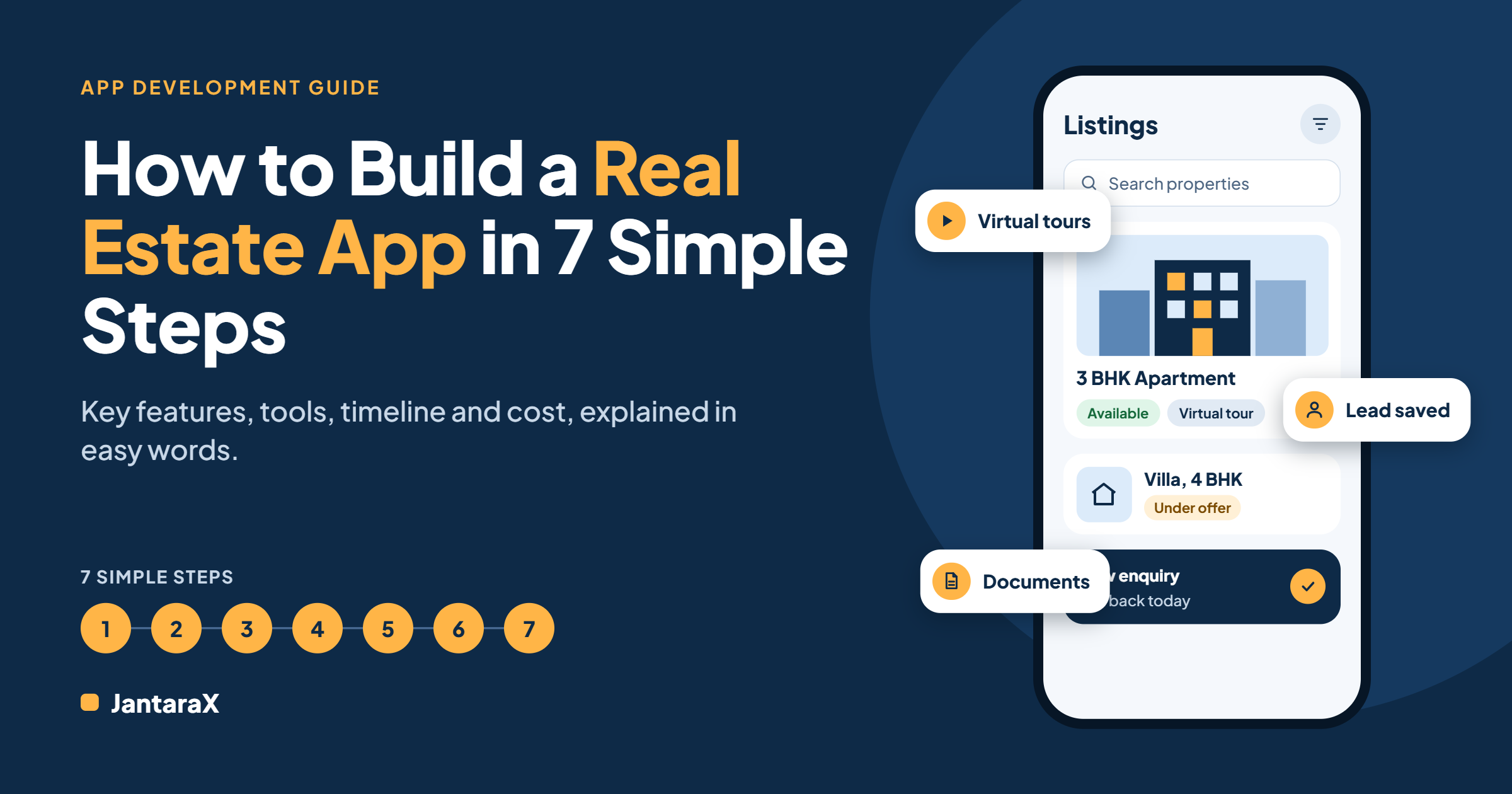
A real estate app can fix this. In this guide, you will learn how to build a real estate app in 7 simple steps. You will also see the key features, the tools used, how long it takes, and what affects the cost.
In this guide
What a real estate app is
Who needs one
Why it helps your business
Features to include
7 simple steps to build it
Tools used to build it
How long it takes
What affects the cost
Mistakes to avoid
FAQs
What is a real estate app
A real estate app is software that helps you manage property work in one place. It can run on a phone, a tablet or a computer.
Some apps are made for buyers who want to search homes. Others are made for agents, brokers and builders who want to manage listings, leads and papers. This guide is mostly about the second type, which is custom real estate software built for a business.
Who needs a real estate app
A custom app is useful for many kinds of property businesses, such as:
Real estate agencies and brokers
Property developers and builders
Property managers
Rental businesses
Growing teams with several agents
Businesses with more than one branch
Why build a real estate app
Here is how a good app can help your team.
Fewer lost leads. Every enquiry is saved and easy to follow up.
Faster deals. Buyers get details and virtual tours sooner.
Less manual work. You stop copying between sheets, chats and tools.
Safer papers. Documents are kept in one controlled place.
Work from anywhere. Your team can use the app on their phones.
Features your real estate app should have
You do not need every feature on day one. Start with the ones that matter most. Four features are the base of most business apps.
Property listings
This is the heart of the app. You can add, edit and organize every property. Each listing can have photos, details and a status, such as available, under offer or sold.
Virtual tours
Virtual tours let buyers look around a property from a phone or computer. This saves time for your agents and helps serious buyers decide faster.
Lead management
A lead is a person who is interested in a property. Lead management keeps every enquiry in one list. You can see who asked about what, who needs a call, and what the next step is.
Document management
Property work has many papers, like agreements and ID proofs. Document management stores them in one place, so you can find any file easily.
Add-on features for later
Once the first version works well, you can add more pieces. Add only what your team really needs.
Search and filters for buyers
Saved searches and alerts
Follow-up reminders for agents
User roles and permissions
Reports and charts
A website or portal, which our web development team can build
A team mobile app, which our mobile app development team can build
How to build a real estate app in 7 steps
Step 1. Decide your goal
Ask yourself what problem you want to solve. Maybe you lose leads. Maybe listings are hard to manage. Write your goal in one sentence. A clear goal keeps the project on track.
Step 2. Know your users
Who will use the app? Agents, managers, buyers, sellers or tenants? Each group needs different things. Talk to them and ask what slows them down today.
Step 3. Write down your current workflow
A good app follows the way your team already works. Write down each step, from the first enquiry to a closed deal. This is the most important step. If the app does not fit your workflow, your team will not use it.
Step 4. Pick the main features
Choose the most important features for version one, for example listings, lead management and documents. Keep the list short. You can add more later.
Step 5. Choose your tools and team
You can build with an in-house team or hire a software company. A team that has built business apps before can save you time and mistakes. If you want help, look at our mobile app development and web development services.
Step 6. Build and test
The team builds the first version. You should see it early and often. Test it with real tasks and real users, and fix problems before launch.
Step 7. Launch and improve
Go live, then listen to your users. Fix issues quickly. Add new pieces only when they are really useful. Make sure your team knows how to run the app on its own.
Tools used to build a real estate app
Here are tools that are often used, and what each one does.
React Native builds mobile apps that work on both Android and iPhone.
Node.js powers the back end, which is the part that works behind the screen.
MongoDB stores data like properties, leads and documents.
AWS hosts the app online in a secure and reliable way. If you need help keeping it running, see our hosting and maintenance services.
You do not need to learn these tools yourself. A good development team will pick and set them up for you.
How long does it take to build a real estate app
It depends on how many features you need and how many other systems the app connects to. At JantaraX, a typical real estate application takes about 4 to 6 months with a team of around 5 developers. The work usually runs in four phases.
Discovery. Learn how your team sells, rents and manages property.
Build. Create the first version around your current workflow, one feature at a time.
Launch. Test with real tasks, fix issues and go live.
Handover. Give your team a system it can run on its own, with support after launch.
A smaller first version with core features can launch sooner. A bigger app with more features can take longer.
How much does it cost to build a real estate app
There is no single price, because every business is different. The cost depends on three main things.
The number of features you need
The number of users
The other systems the app must connect to
In most cases, a custom app can connect with tools you already use. The best way to get a clear number is to share how your business runs today and ask for a quote.
Custom app or ready-made software
Ready-made software is fast to start, but it may not fit your process. A custom app is built around the way you already work, so your team has less to learn. If your business has its own way of selling, renting or managing property, a custom app is often a better fit.
If you also want to track customers in more detail, see our CRM solutions. If you want to see your sales numbers in one view, see our data dashboards.
Mistakes to avoid
Adding too many features at once. Start small and grow.
Ignoring your team’s workflow. The app must fit how they work.
Skipping tests. Real users will find problems you missed.
Forgetting about support. Plan for help after launch.
Keeping data in many places. One app should be the single home for your data.
Frequently asked questions
How do I build a real estate app?
Decide your goal, know your users, write down your workflow, pick the main features, choose your team and tools, build and test, then launch and improve.
What features should a real estate app have?
Start with property listings, virtual tours, lead management and document management.
How long does it take to build a real estate app?
A typical project takes about 4 to 6 months. The exact time depends on the features you need.
How much does a real estate app cost?
The cost depends on the number of features, the number of users and the systems the app connects to. Ask for a quote based on your needs.
Which technology is used for real estate apps?
Common choices are React Native, Node.js, MongoDB and AWS.
Can the app be built around my process?
Yes. A good first version follows the workflow you already use. Then you add only the pieces that earn their place.
Do I need help after launch?
It is wise to plan for it. JantaraX stays on after launch, and the project ends with a handover your team can run.
Final thoughts
Building a real estate app does not have to be hard. Start with a clear goal, follow your real workflow, and keep the first version simple. Then grow step by step.
Ready to start? Book a free consultation with JantaraX, or explore our custom real estate software. Tell us how your business runs today, and we will help you plan the right next step.